Control Claude Code From Your Phone and Leave the Computer Working
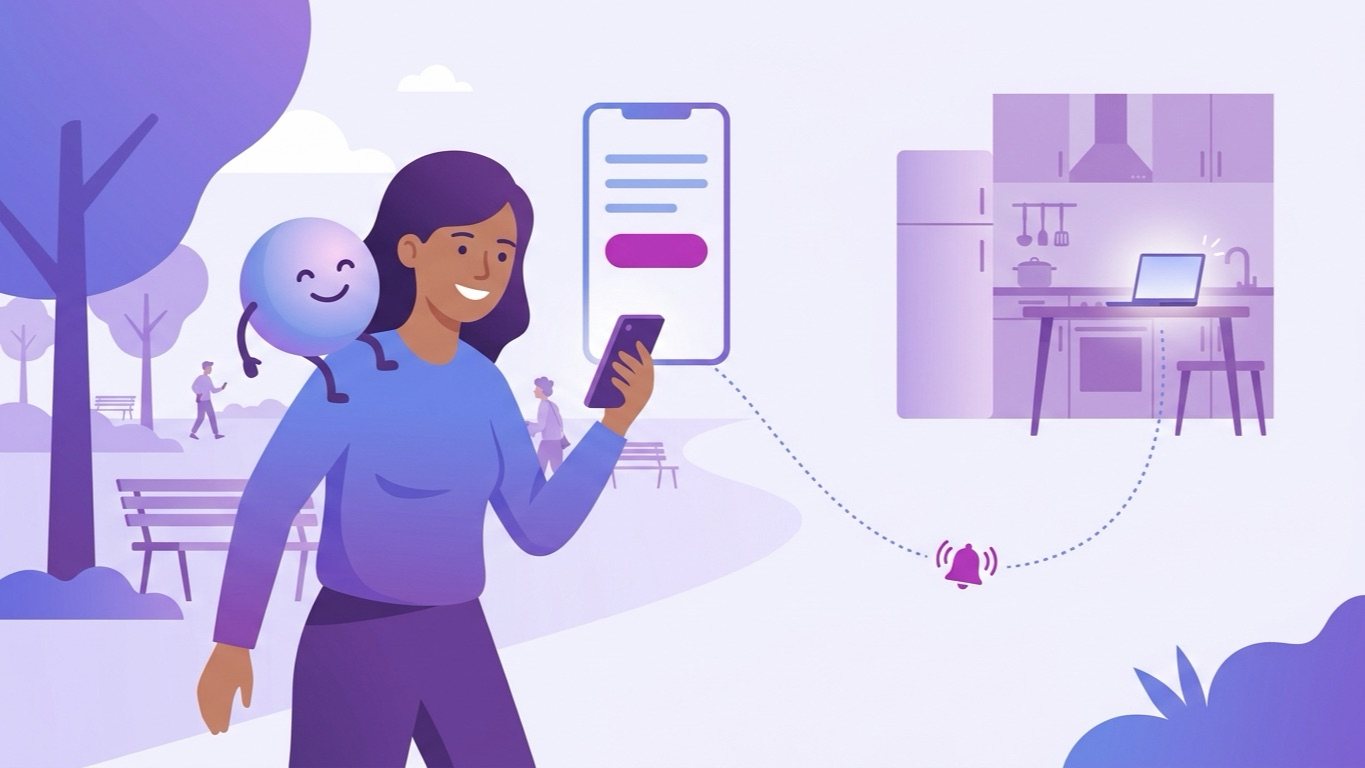
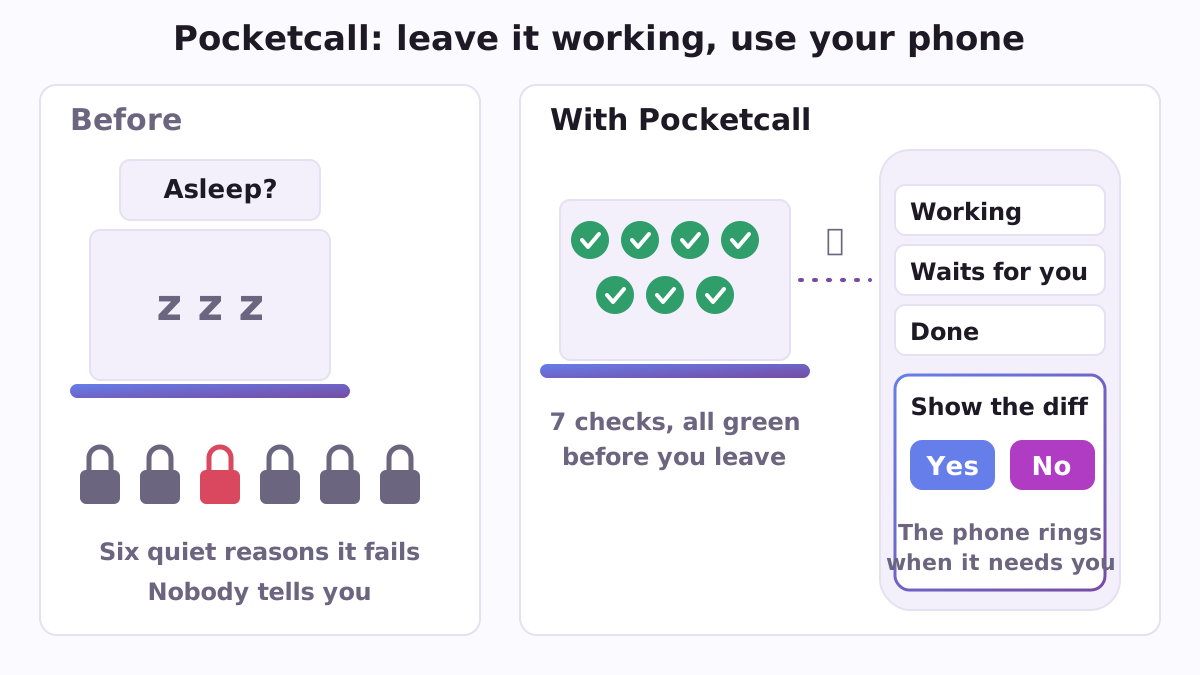
You start something in Claude Code on your home computer, pick up your phone and head into town. An hour later you check the phone: nothing is happening. The computer went to sleep four minutes after you shut the door. Or a setting you made two years ago quietly turned the remote feature off. Or Claude has been asking "may I go ahead?" for an hour and nobody told your phone. The connection between a phone and Claude Code already exists and comes with the subscription you pay for. What goes wrong is everything around it. Pocketcall is a free, open-source plugin for Claude Code, Anthropic's AI assistant that works with the files on your computer. It makes those things visible before you leave, and keeps you in touch afterwards.
Why the remote fails without a sound
None of the causes is hard, but all of them are silent. People report remote sessions that never connect from the mobile app, that drop with both devices awake, that do not appear on the phone at all (for example issue 30691 on the Claude Code tracker), and others have built their own small tools to answer a permission question from a phone. Pocketcall does not add another connection. It checks the things that decide whether an unattended machine works at all.
What it gives you
- A check of seven silent things before you leave (
ready). It looks at whether you started from a work folder, whether the program is recent enough, whether a setting or variable has switched the remote off (it names the exact file where it found it), whether someone turned the remote off in a settings file, whether the computer will fall asleep (on a Mac it reads the actual minutes), whether finished work has a folder your phone can see, and whether that shared folder is really syncing. It says in plain words which of these are not ready. - The four minutes at the door (
leave). Six steps, ending with one real message answered from your phone, then the thirty seconds you repeat each evening. You find out the remote works while you are still at home. A printable card (card.py) keeps the checklist where you can see it. - One screen for every job (
board). Each Claude Code session, a night run or a review shows as Working, Waits for you, Done, or Resting on a limit until a given hour. The phone rings when a state changes for you, through Telegram or your own ntfy topic, one short line each. The board is also one plain web page in the shared folder your phone already sees, with no server. - Short answers while you are away (
handover). Standing guidance for Claude: answer in a few lines you can read on a phone, and put finished work in a file in the shared folder. - For companies, approval cards. While you are away, every permission question can arrive on the phone, encrypted from end to end, as a card with the full command, every file it touches, and the buttons Yes, No and Show the diff. A voice note can become a task in the company's tracker, a session opens its pull request, and Yes merges exactly the commit the card showed. This part runs on the company's own relay, which is a single script using only Python's standard library.
Two habits come built in. Every card shows which file, what changes and whether it can be undone, so you decide on the phone only what you can actually see; anything else waits for the desk. And a voice note from the street goes into a queue (a task, a night job or the handover folder), where it is kept word for word until the work picks it up.
A concrete example
Dana is a lawyer with a long document review for Claude Code. Before she leaves, she runs ready. It reports that a shell profile sets a variable that disables the feature the remote depends on, and that her Mac sleeps after ten minutes. She fixes both in a minute, sends a photo from her phone to the shared folder to see that it arrives, and leaves. At lunch the board on her phone says "Waits for you"; the ring told her the same a minute earlier. She reads four lines, answers, and in the evening opens the finished document from the folder.
How to start
You need Claude Code with a paid Claude subscription, personal or work; no API key and no server. In it:
/plugin marketplace add https://raw.githubusercontent.com/vadimchernets/poly-a1-plugins/main/.claude-plugin/marketplace.json
/plugin install pocketcall@poly-a1
Then run ready before you leave and leave the first time. Without the plugin you can run the check by hand: python3 scripts/check.py, which only reads your settings and never talks to the network. Pocketcall speaks English, Spanish, Portuguese, Russian and Ukrainian, and never asks for your Claude sign-in. It works well with its siblings Nightcall, which runs a long task overnight and shows the night on the same board, and Safecall, which keeps a copy of anything before Claude changes it. All three are in the Poly A1 plugins catalogue.
Pocketcall is an independent open-source project under the Apache-2.0 licence, not affiliated with Anthropic: https://github.com/vadimchernets/pocketcall.
Vadym Chernets also builds Poly A1, an app in which AIs from different companies check each other's work.